Where to Get Free Calendars: 10 Print Options
Wondering where to get free calendars? Compare 10 sites for printable yearly and monthly layouts, and learn how to choose, download, and print yours.
What good is a free calendar if the last column gets cut off when you print it? You've got a printer, a stack of paper, and appointments to organize. Finding a download is easy. Finding one that fits your paper, starts the week on the right day, and leaves enough space to write takes more care.
Sites offering free printable calendars differ in ways that matter after you press Print. Some provide instant PDFs with fixed layouts. Others let you change the week start, holiday markings, and page size before downloading. A free download might include a logo, require attribution, or lead to a sign-up screen you weren't expecting.
Start with the printed result you need:
- For checking dates: Choose a compact annual overview.
- For handwritten planning: Choose monthly pages with generous date cells.
- For specific requirements: Use a maker with paper-size, week-start, and holiday controls.
These resources cover both ready-made downloads and customizable calendar makers, with some offering both. If you're deciding where to get free calendars, compare the actual file rather than the thumbnail. A beautiful preview won't compensate for unreadable dates, irrelevant holidays, or margins your printer can't reproduce.
1. Dayleaf
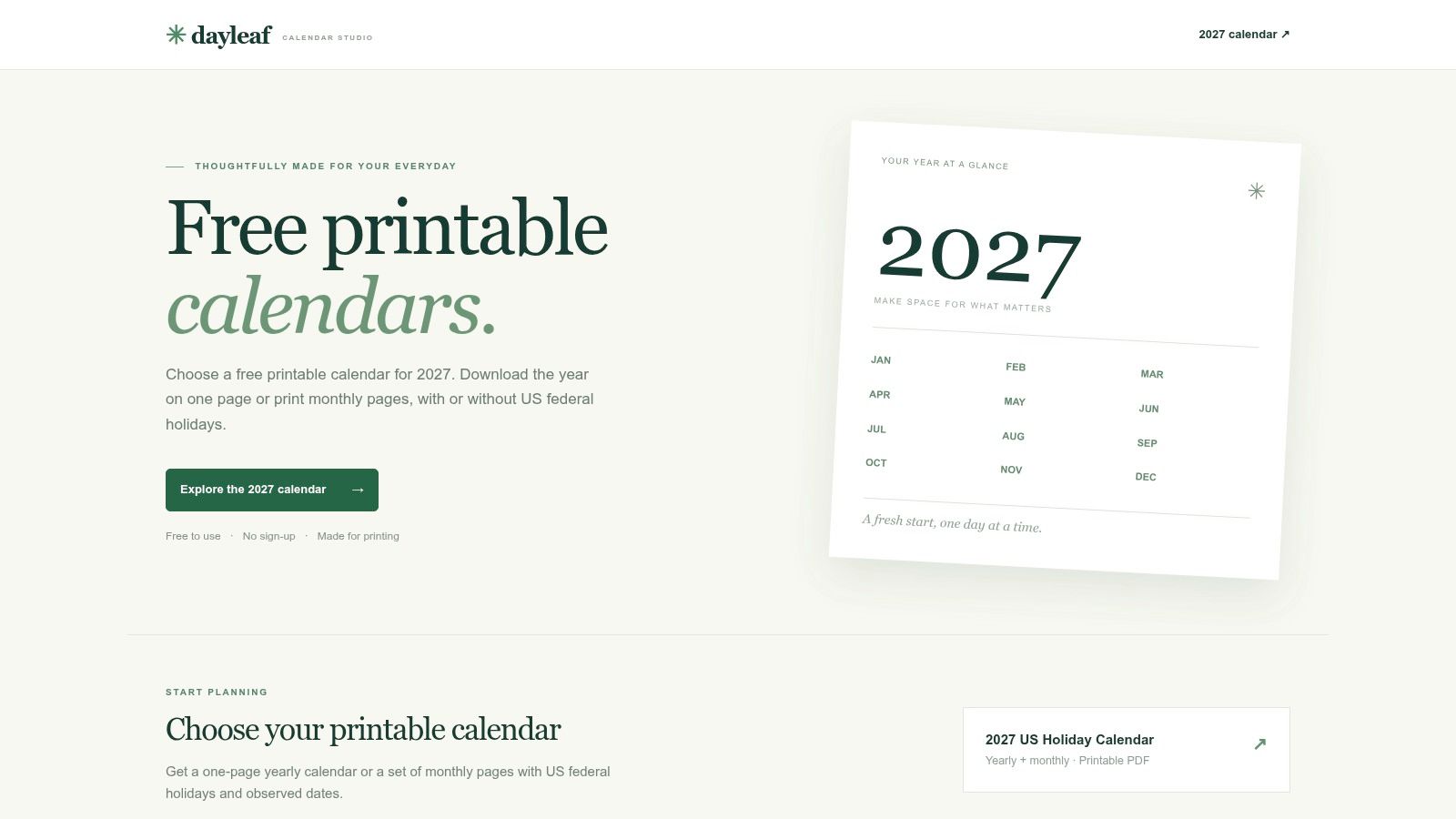
Best for a straightforward calendar with the essential print settings. Our Dayleaf tool is free and doesn't require registration. Choose a yearly overview or monthly pages, set your preferences, then download a PDF or print directly from your browser.
Our 2027 calendar offers a one-page annual layout with all twelve months together, or monthly pages with more room for appointments, school dates, and household notes. You can download the complete twelve-page monthly set or select an individual month. For a focused starting point, use our January calendar page.
Set the page before printing
Choose Sunday or Monday as the first day of the week and US Letter or A4 for the paper. Optional markings include US federal holidays and observed dates; select the blank option if those labels aren't useful.
The PDF is designed for horizontal printing. Match the printer's paper setting to your selection, inspect the preview, and use fit-to-page if the edges are clipped.
- What works: Annual and monthly formats share the same practical controls, without an account setup step.
- What to watch: The calendar described is for 2027. Check availability if you need another year.
- Holiday limitation: US federal holiday markings won't cover another country's public holidays or your school's closure schedule.
I'd choose the monthly layout for a busy household and the annual sheet for quick date checks. Trying to fit a detailed family schedule into an annual overview usually means sacrificing legibility.
2. Calendarpedia
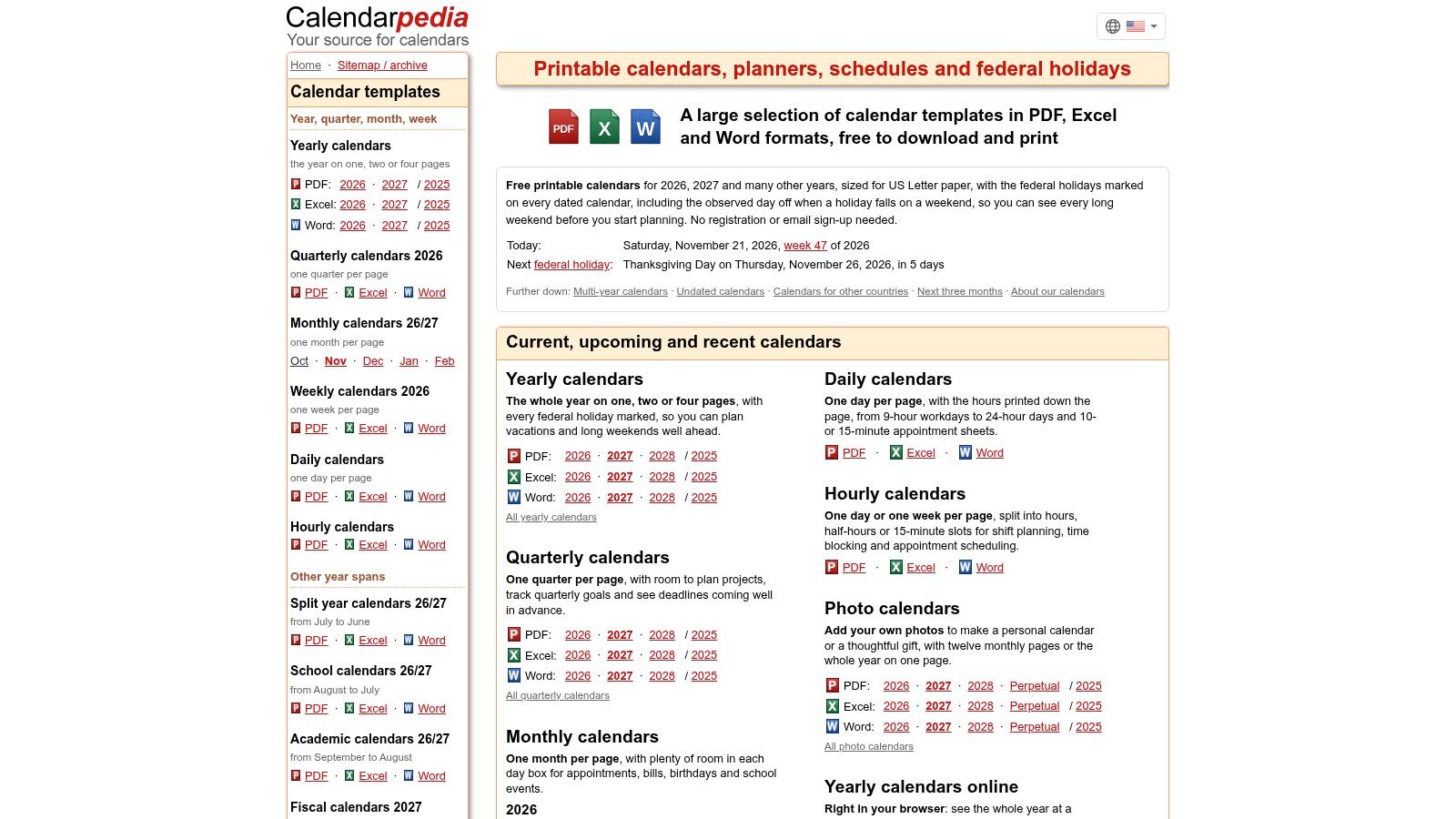
Calendarpedia suits people who want to choose a finished template rather than configure a calendar. Its collection includes annual, monthly, and quarterly layouts, with PDFs for printing and Word or Excel files for editing. Free downloads don't require an account or email sign-up.
Browse Calendarpedia's template collection with your intended use in mind. An annual reference sheet belongs beside a desk; a monthly layout is more useful when you need to write appointment times and reminders.
The main trade-off is browsing effort. Similar-looking templates can allocate space differently, so look closely at date-cell height, holiday labels, and any notes area before downloading.
Print-room rule: Choose the layout for its writing space first. Color and decoration come second.
Many templates use US Letter, so don't assume they'll print unchanged on A4. Camelot Print and Copy's paper-size guide lists Letter as 8.5 by 11 inches and A4 as 210 by 297 millimeters.
That difference matters around narrow margins. If you use A4, find a matching file where available; otherwise, inspect the scaled preview carefully. Dated US calendars include federal holidays and observed days off, but those markings don't establish your employer's or school's schedule.
3. Vertex42
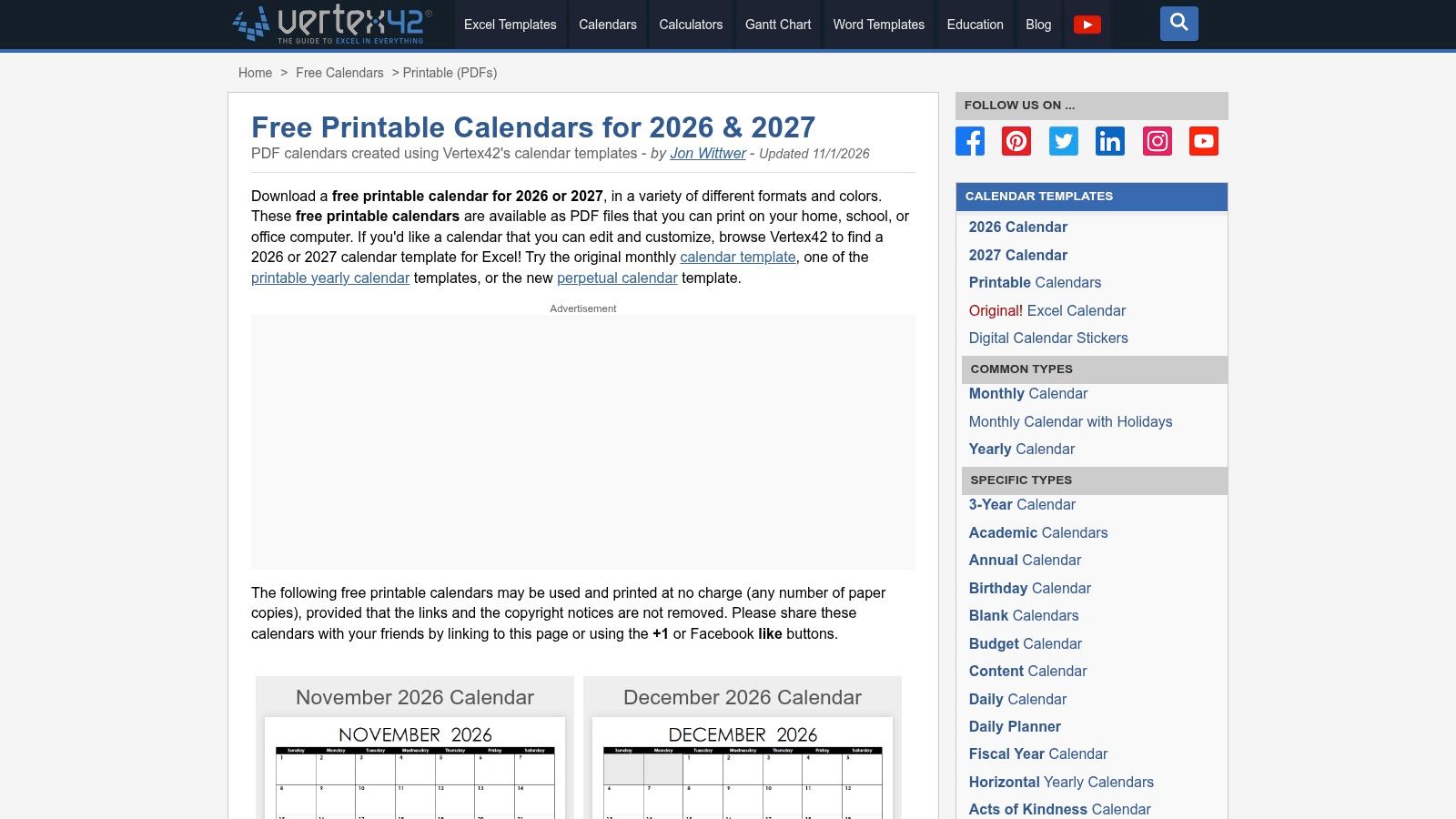
Need to type recurring activities into a calendar before printing? Vertex42's editable Excel templates make more sense than a fixed PDF. Its printable calendar collection also includes ready-to-print PDFs, monthly and yearly layouts, and reusable perpetual templates.
The choice is between convenience and control. A PDF preserves the prepared layout; a spreadsheet lets you adjust content but gives you more opportunities to disturb page breaks.
Choose the file you'll actually use
- Choose PDF: You want a finished calendar for handwritten appointments.
- Choose Excel: You need typed entries, formatting changes, or a reusable template.
- Check usage terms: Required links and copyright notices must remain intact under the free-use terms.
Don't treat attribution as an unwanted watermark to crop away. If the printed notice doesn't suit your purpose, choose a different template rather than removing required credit.
For a workweek-oriented layout, decide on the week start before entering your schedule. Our guide to a blank calendar starting on Monday explains that layout choice.
In Excel, inspect print area, orientation, and page breaks before printing. If the preview puts a narrow strip of the calendar on another sheet, fix the scaling or print area instead of sending the job through and hoping it fits.
4. timeanddate.com
Country-specific holiday selection is the strongest reason to choose timeanddate.com. Its printable-calendar creator supports yearly, monthly, weekly, and daily formats, along with personal events and detailed print settings.
This is a configurable maker, not just a folder of finished PDFs. You can select a country, choose holiday categories, and use regional settings where available. That's useful for international households, but more holiday labels don't automatically make a calendar better.
Keep holiday categories relevant
Public holidays, religious observances, and commemorative dates serve different purposes. Select the categories you need, then confirm that the labels leave enough room for your own entries.
Holiday Grid's explanation of worldwide holiday calendars notes that public holidays are established nationally rather than through a single worldwide calendar. Treat country selection as a starting point, not confirmation of every local closure.
- Strongest feature: Broad calendar-period and international holiday controls.
- Print advantage: Paper settings include A4, Letter, and Legal.
- Free-version trade-off: PDFs include the timeanddate.com logo; removing it or adding a company logo requires an upgrade.
If you want an unbranded sheet, settle that requirement before entering personal events. Otherwise, you may spend time configuring a calendar whose free output doesn't meet your needs.
5. Calendar-12.com
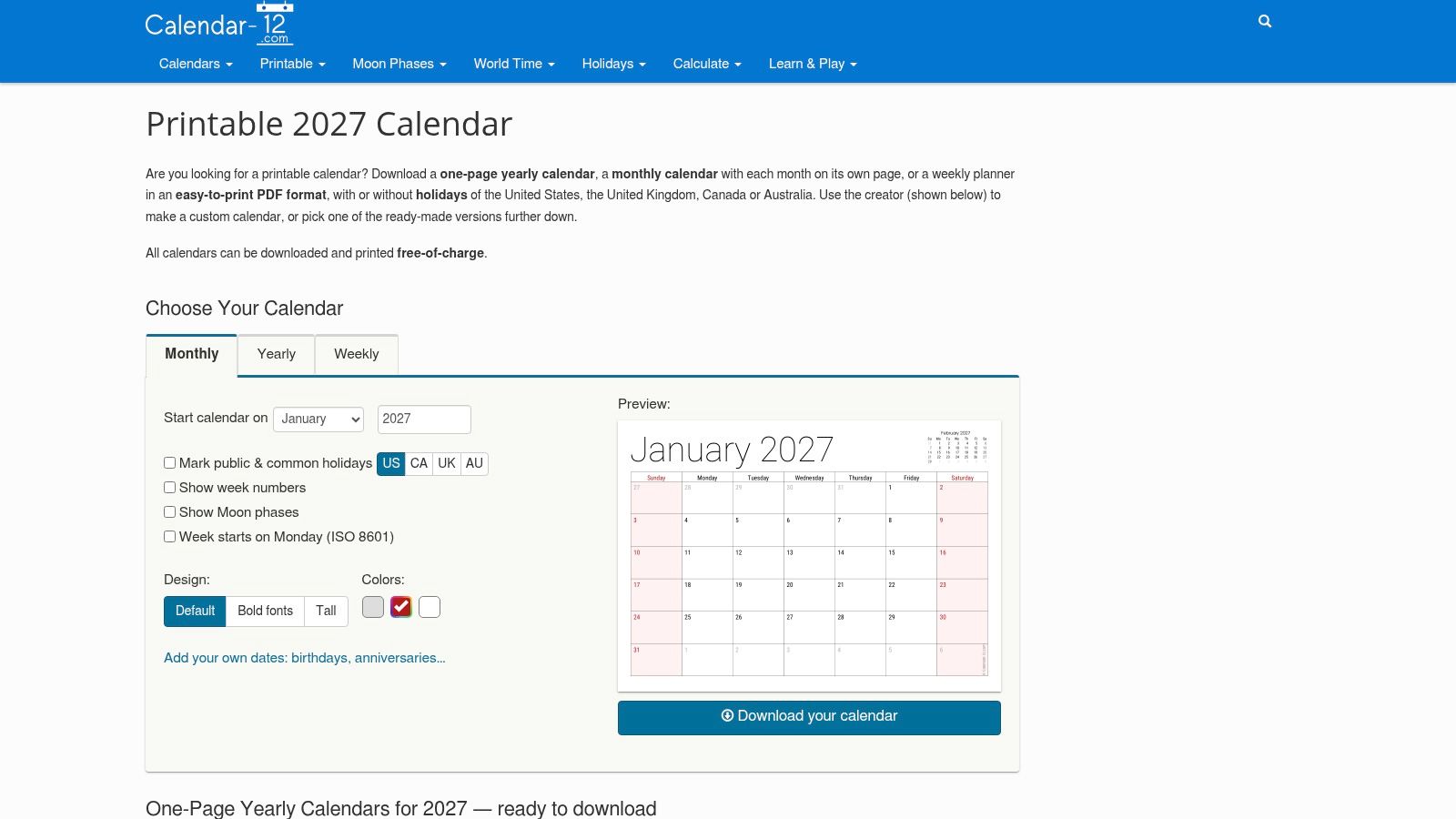
Calendar-12.com offers both a quick-download route and a configurable creator. Start with its printable-calendar collection if you want a prepared layout, or use the creator when you need control over week starts, holiday selections, and personal dates.
Available settings include week numbers, moon phases, and custom dates, alongside yearly, monthly, and weekly formats. Holiday options cover the US, UK, Canada, and Australia. The site says downloading and printing are free.
The temptation is to enable everything. Resist it if your main purpose is handwritten planning: extra labels occupy the same cells you'll use for appointments.
A calendar with fewer markings can be more useful than one that displays every available category.
For seasonal planning, an individual month can be enough. Our November calendar guide provides a focused alternative to working with an annual set.
Before downloading, check the page count and selected holiday set. A weekly format may suit detailed scheduling, while a monthly sheet makes it easier to see overlapping household activities.
The site says custom dates remain on your device. Save the finished calendar before clearing browser data or moving to another computer; browser-based entry isn't the same as an account-backed schedule you can retrieve anywhere.
6. CalendarLabs
Choose CalendarLabs when you already know the layout you're looking for. Its calendar-template library includes yearly, monthly, and multi-month PDFs, with options for notes space, blank monthly grids, and US holiday markings.
A multi-month layout can help with school terms or project planning because you can view adjacent periods together. A monthly sheet is better when appointments need names, times, and locations.
Features vary by template, so judge each file individually. Don't assume a layout includes a notes area, your preferred holidays, or the same page size as another file in the collection.
Inspect the grid, not just the thumbnail
- Writing room: Check whether the date cells can hold your normal entries.
- Notes placement: A generous sidebar is useful only if it doesn't make the calendar grid too cramped.
- Print setup: Confirm paper size and orientation in the downloaded file.
ABM's guide to A4 and Letter printing explains that their different aspect ratios can cause scaling, clipping, or uneven margins when document and printer settings don't match.
For CalendarLabs, that makes template selection more important than extensive customization. Find a layout that's already close to your needs, then make a test print before committing to a complete set.
7. TemplateLab
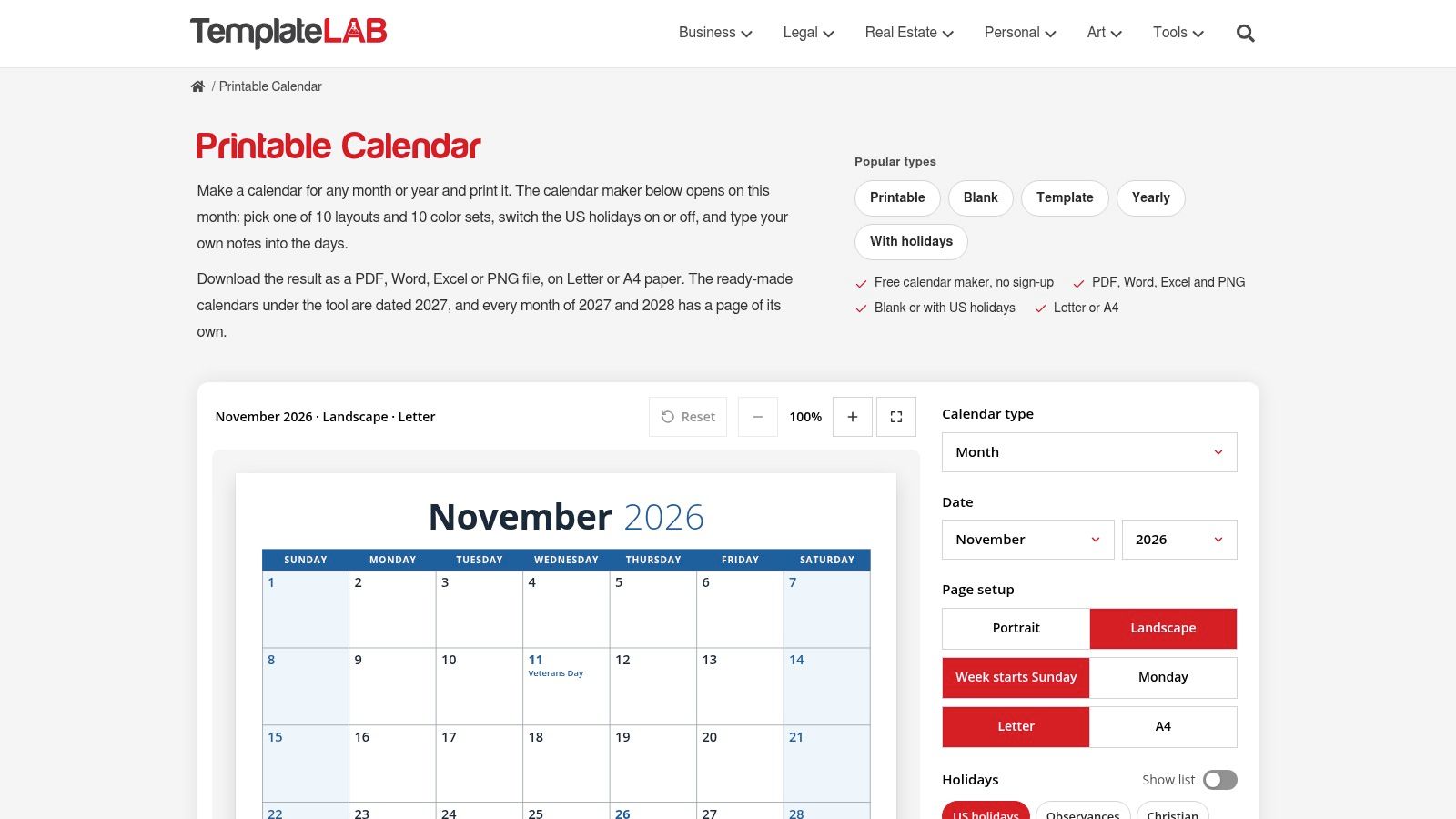
Not every printable-calendar task ends with a PDF. TemplateLab is useful when you need a choice of output formats, especially if you plan to edit the calendar or place it inside another document.
The TemplateLab calendar maker offers layouts, colors, notes, optional US holidays, and Letter or A4 settings. Listed download formats include PDF, Word, Excel, and PNG. The site describes the maker as free, without sign-up.
Match the format to the job
Use PDF for a finished printout. Choose Word or Excel when you expect to keep editing, and consider PNG when you need an image for a classroom handout or presentation.
Editable output introduces a practical compromise: fonts, spacing, and page breaks may change in the software used to open the file. Check the final version in that application's print preview rather than relying on the maker's preview alone.
- What works: Notes and holiday controls offer useful personalization without designing a calendar from scratch.
- What takes effort: Finding the calendar tool among the wider template collection may require navigation.
- What to verify: The downloaded file still has the intended margins, orientation, and readable dates.
For ordinary handwritten planning, don't choose an editable format just because it's available. A stable PDF is usually the simpler route.
8. YearlyCalendar.org
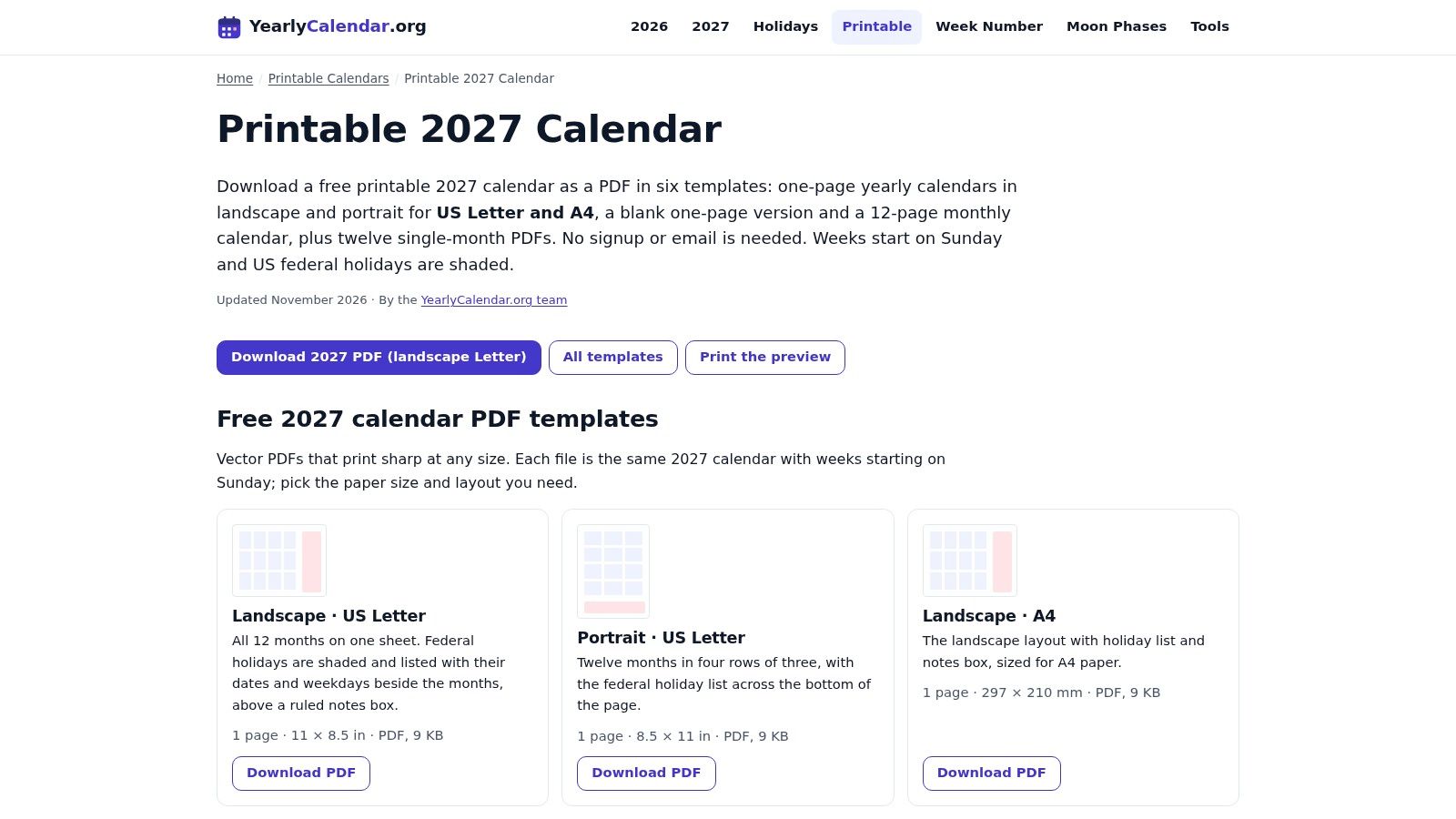
YearlyCalendar.org is a download-first option for readers who don't want to build a calendar. Its printable-calendar collection includes annual overviews, blank yearly layouts, monthly sets, and individual-month PDFs.
The distinction is practical: choose an annual sheet to check dates, or monthly pages to record activities. Portrait annual options let you match the sheet to a noticeboard, binder, or desk space.
The site says no sign-up or email is required. It also offers US Letter and A4, reducing the need to adapt a file intended for a different paper standard.
Save paper deliberately: Download the month you need rather than printing a complete set and setting most of it aside.
The main limitation is flexibility. Dated layouts use a Sunday week start, so readers who organize school or work around Monday should check that convention before downloading.
Also inspect which template includes US federal holidays. A blank yearly layout and a dated holiday calendar serve different purposes, even when their thumbnails look similar.
I'd choose this resource for a straightforward reference sheet rather than a personalized household schedule. If changing the week start or adding typed events is essential, a calendar maker is a better fit than trying to modify a fixed PDF.
9. CalendarSphere
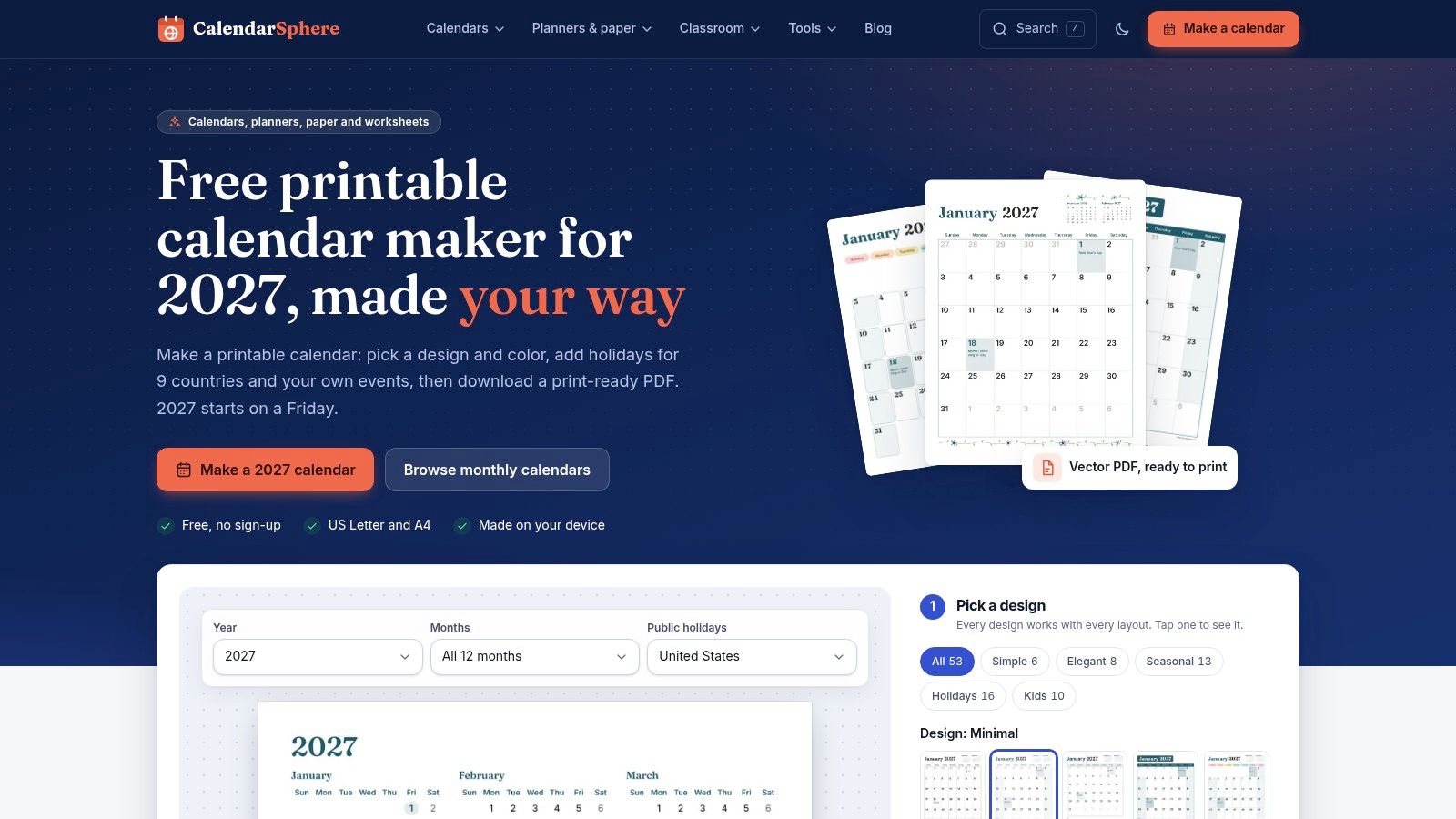
CalendarSphere suits readers who want personal events and visual design in the same tool. Its customizable calendar maker combines different layouts and styles with country holiday settings, event entry, and calendar-file import.
Listed outputs include PDF, PNG, phone wallpapers, and Excel files. That variety is useful if you want related printable and digital versions, but choose the print layout on its own merits. A design that looks attractive on a phone may not leave enough space for handwriting.
Personalize without overcrowding
Add recurring commitments first, then inspect a busy month. Long event titles can make an otherwise spacious design difficult to read.
- Useful for households: Enter shared activities before printing, leaving room for later additions.
- Useful for classrooms: Choose a clear design with enough contrast for a wall display.
- Important safeguard: Check imported events and save the finished output before closing the browser.
The site says event data stays in the browser. Confirm that entries were retained rather than assuming they'll appear on another device.
A study published by ACM on planning practices describes the trade-off between offline-friendly paper planning and digital sharing and customization. CalendarSphere can help prepare a personalized page, but the printed copy still won't synchronize when someone changes an event elsewhere.
10. Plannedo
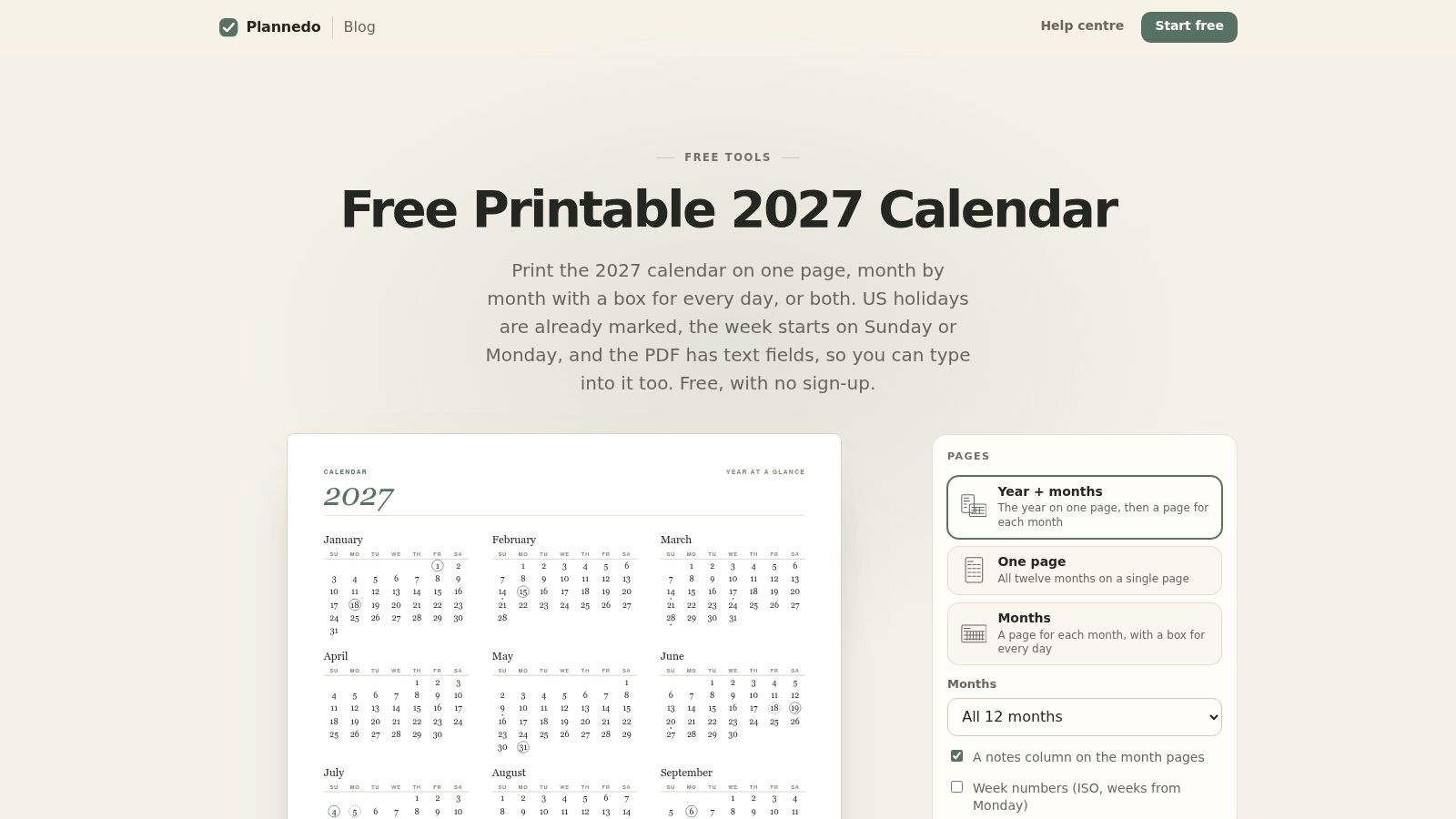
Want to type into the finished PDF before printing? Plannedo is worth considering for its stated PDF text-field support. Its calendar generator offers yearly, monthly, and combined layouts, with no sign-up required according to the site.
Controls include Sunday or Monday week starts, US Letter or A4, and US federal holiday markings or no holidays. The combined layout is useful when you want an annual reference alongside detailed monthly planning pages.
The important test happens after download. Open the file in your preferred PDF reader and confirm that its text fields work as expected.
Test the PDF before entering everything
Type a representative appointment, save the file, then reopen it. Check that the entry remains visible and fits within the intended space before filling the rest of the calendar.
- Best use: Typed planning followed by a paper copy.
- Main trade-off: You're generating a calendar rather than browsing a broad template library.
- Scope to check: Confirm that the generator supports your intended planning year.
Don't shrink long entries until they're barely readable. Shorten appointment labels and keep supporting details elsewhere if necessary.
For a shared household calendar, typed recurring commitments can create a clean starting point. Leave enough blank room for changes, because the printed page becomes a handwritten planning tool as soon as schedules shift.
Free Calendar Sources at a Glance
| Item | Formats | Customization | Sign-up required | Best for |
|---|---|---|---|---|
| Dayleaf (recommended) | Annual and monthly PDFs; browser printing | Week start, paper size, US holidays or blank | No | Simple, customizable calendars for printing |
| Calendarpedia | Yearly, monthly, and quarterly PDFs; Word and Excel templates | Multiple layouts; dated calendars include US holidays | No | Comparing a wide range of ready-made templates |
| Vertex42 | Monthly and yearly PDFs; Excel templates | Colors and some reusable perpetual templates | Not specified | Printable or editable calendars for home, school, or office |
| timeanddate.com | Yearly, monthly, weekly, and daily PDFs | Country holidays, print settings, and personal events | Not specified | Calendars with international holidays or custom events |
| Calendar-12.com | Yearly, monthly, and weekly formats | Holidays, week start, week numbers, moon phases, and custom dates | Not specified | Configurable calendars with multi-country holiday options |
| CalendarLabs | Yearly, monthly, and multi-month PDFs | Template styles, notes areas, and holiday markings vary | Not specified | Finding a pre-designed layout for specific planning needs |
| TemplateLab | PDF, Word, Excel, and PNG | Layouts, colors, US holidays, notes, and paper size | No | Personalized calendars in multiple output formats |
| YearlyCalendar.org | Yearly and monthly PDFs | Blank options; limited template customization | No | Quick annual overviews or individual monthly pages |
| CalendarSphere | PDF, PNG, phone wallpaper, and Excel | Designs, holidays for nine countries, personal events, and .ics import | Not specified | Decorative calendars with personal event options |
| Plannedo | Yearly, monthly, or combined PDF | Week start, paper size, and US holiday settings | No | 2027 calendars with fillable PDF text fields |
Pick, Print, and Start Planning
The best answer to where to get free calendars depends on what you need to change before printing. Choose a ready-made download when the layout already matches your paper, week start, and holiday needs. Choose a generator when those settings matter more than browsing finished designs.
Calendarpedia, CalendarLabs, and YearlyCalendar.org suit download-first planning. Vertex42 is useful when spreadsheet editing matters. timeanddate.com, Calendar-12.com, TemplateLab, CalendarSphere, and Plannedo offer different combinations of configuration, event entry, and output formats.
Make the first print a test
Before sending a complete set to the printer, check the actual document rather than only the website preview.
- Match paper sizes: The calendar file, printer dialog, and loaded paper should agree.
- Check orientation: Use horizontal orientation for a horizontal layout and portrait for a vertical one.
- Inspect every edge: Confirm that the final weekday column, footer, and holiday labels remain visible.
- Use fit-to-page when needed: If edges clip, fit the document to the printable area and reassess text size.
- Confirm the page range: Print only the selected month or pages you need.
For browser printing, also inspect headers and footers. A browser-added title or address can consume space and change the result. If the browser preview looks awkward and a PDF download is available, try printing that file instead.
Keep the calendar useful after printing
Put the calendar where people will consult it, and agree on who updates shared entries. Paper works well for visible household coordination, but it can't notify someone that an appointment changed.
A no-registration starting point such as Dayleaf avoids account setup when you need to get planning. Whatever resource you choose, keep the downloaded file so you can print a replacement without rebuilding your settings.
Finally, verify critical dates against an authoritative source. Check school dates with the school, closures with the relevant organization, and deadlines with the body responsible for them. Holiday markings are planning aids, not guarantees of opening hours or time off.
If you spot an error in our calendars, send the details to support@printable-calendar-free.com. Our calendars are for general planning and may contain errors, so confirmation matters before you rely on a date.
Visit Dayleaf for free yearly and monthly calendars without creating an account. Choose Sunday or Monday, select US Letter or A4, turn US federal holiday markings on or off, then download a horizontal PDF or print directly from your browser.